
TUI LIVE · Overlays & interactive games
Turn your LIVE into a game show
Interactive games and overlays your audience plays in real time with comments, gifts, likes and follows. Nothing for viewers to install. One browser source is enough.
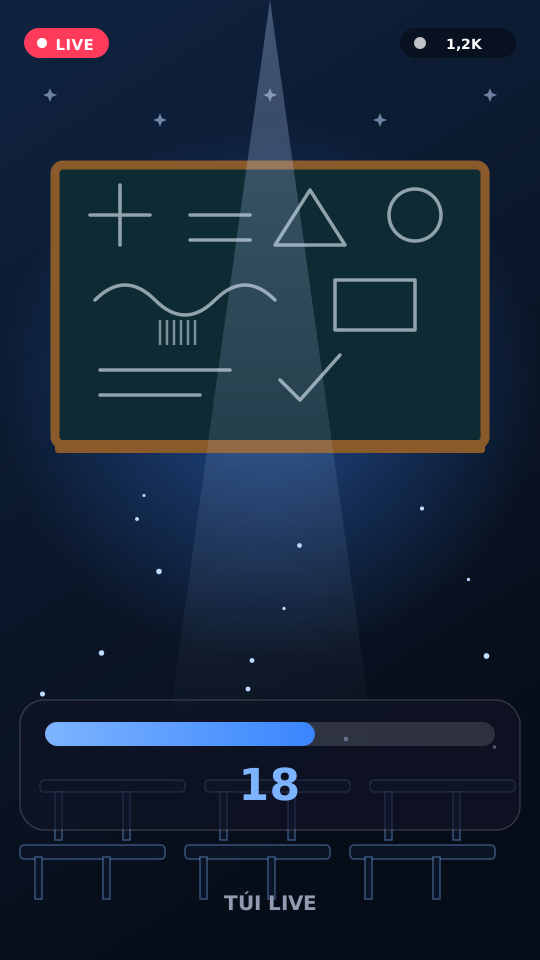
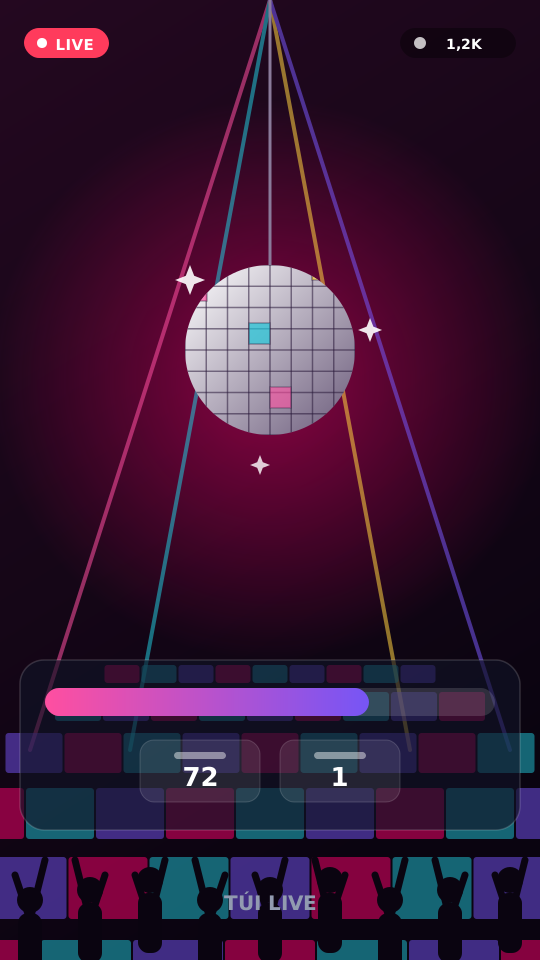
A growing arcade of live games
All plug-and-play — pick one in the dashboard and it appears on your overlay.
Boss Battle
Viewers damage the boss with likes, comments and gifts — HP, shield and fighter board update live.
Lucky Wheel
Comment-triggered wheel with custom segments and clear on-stream results.
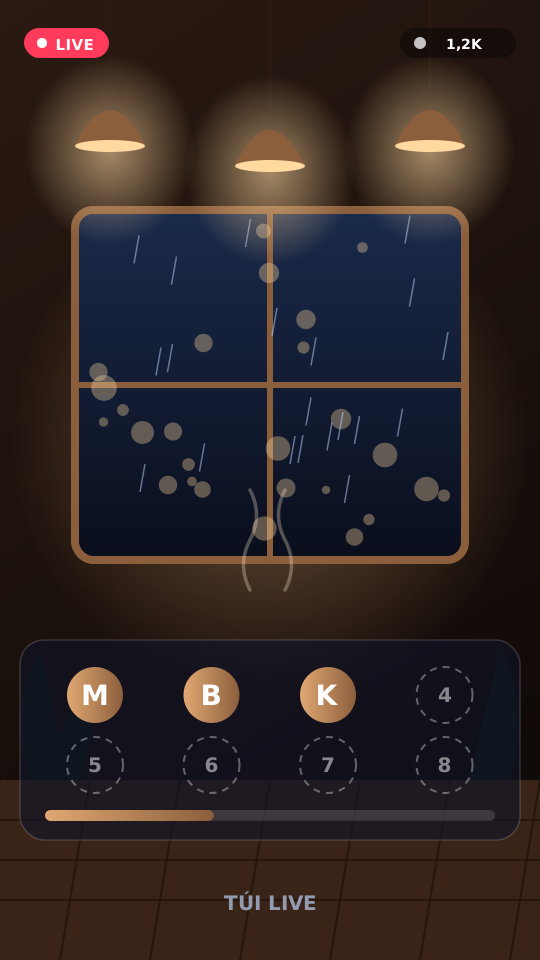
Crowd Quiz
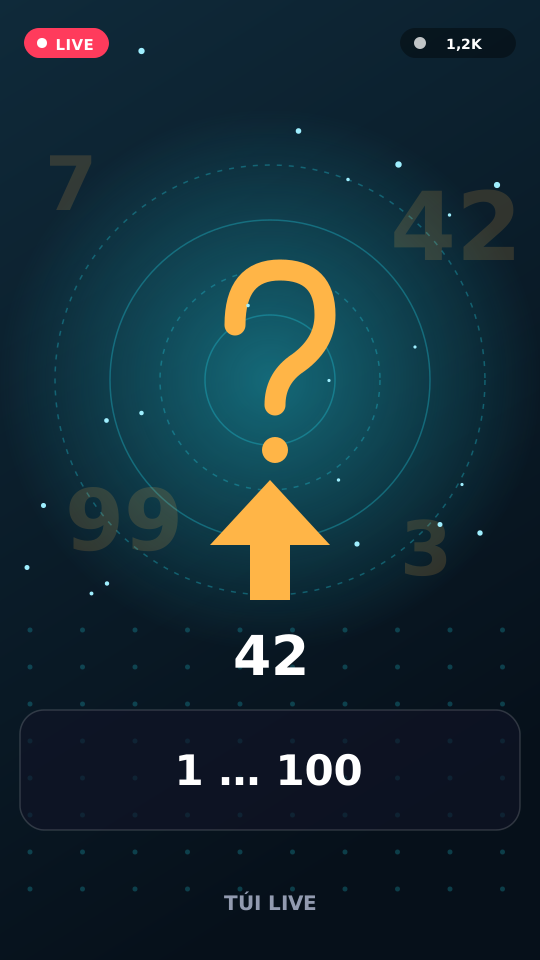
Fast quiz rounds — viewers answer in chat, votes tally live.
Team Battle
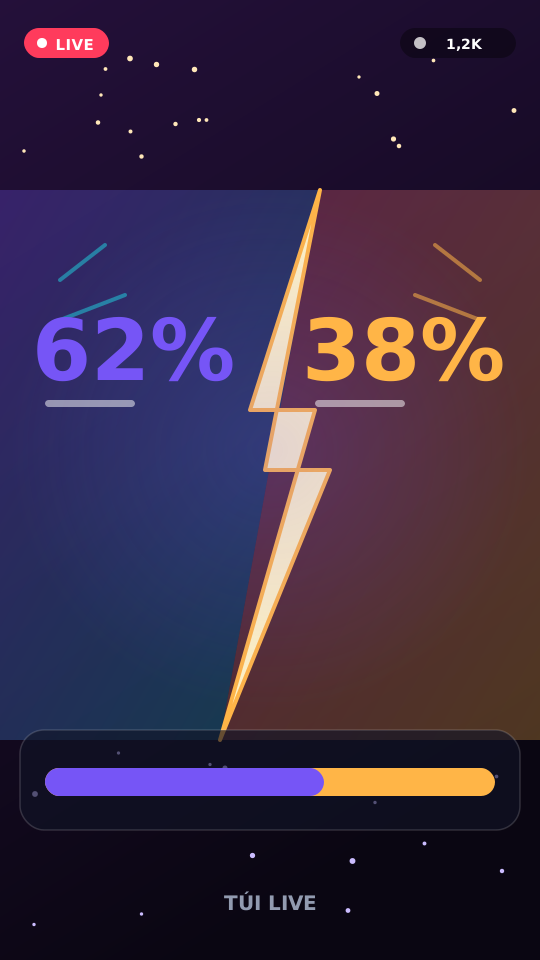
Red vs blue tug-of-war powered by gifts and engagement.
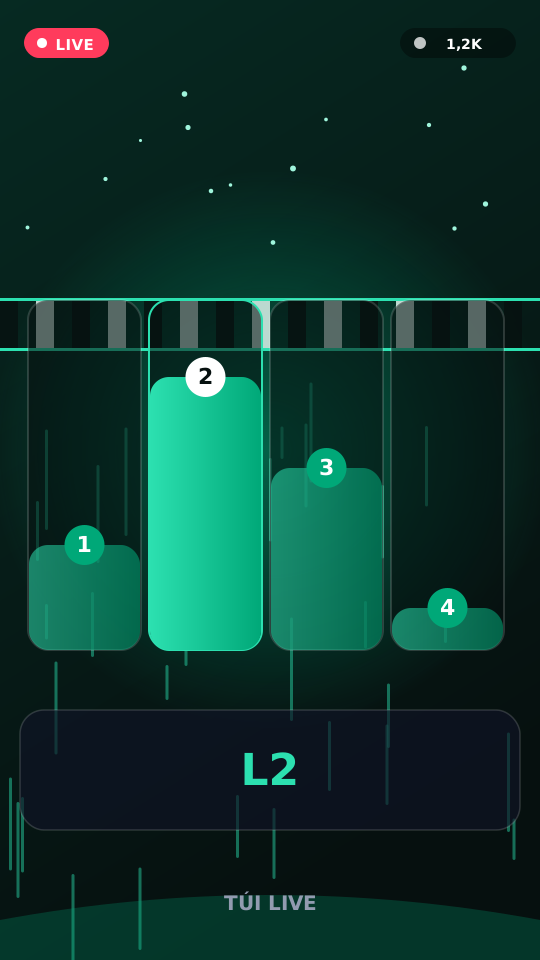
Gift Race
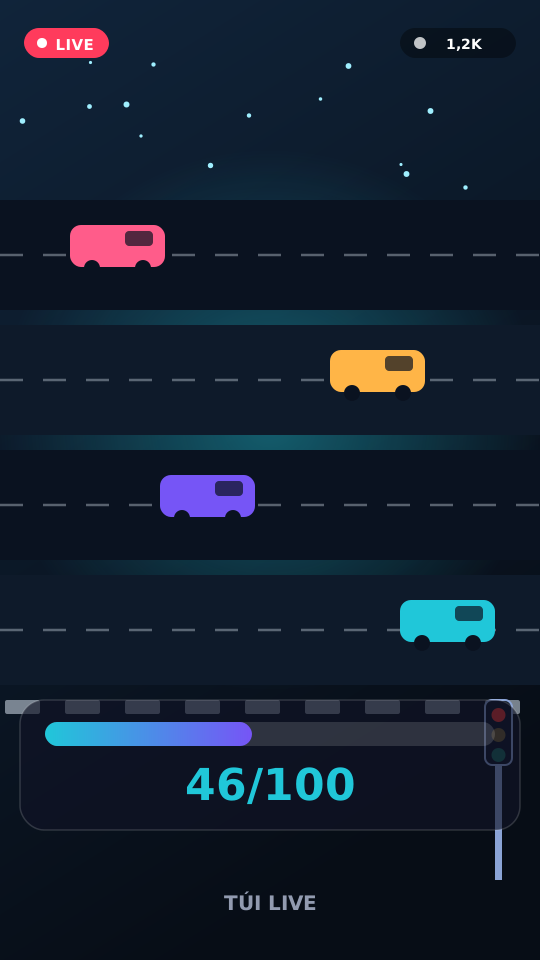
Lane race where top gifters pull ahead on the track.
Five Idol Dance
Five idols — comment 1–5 to spotlight, scale up and dance.
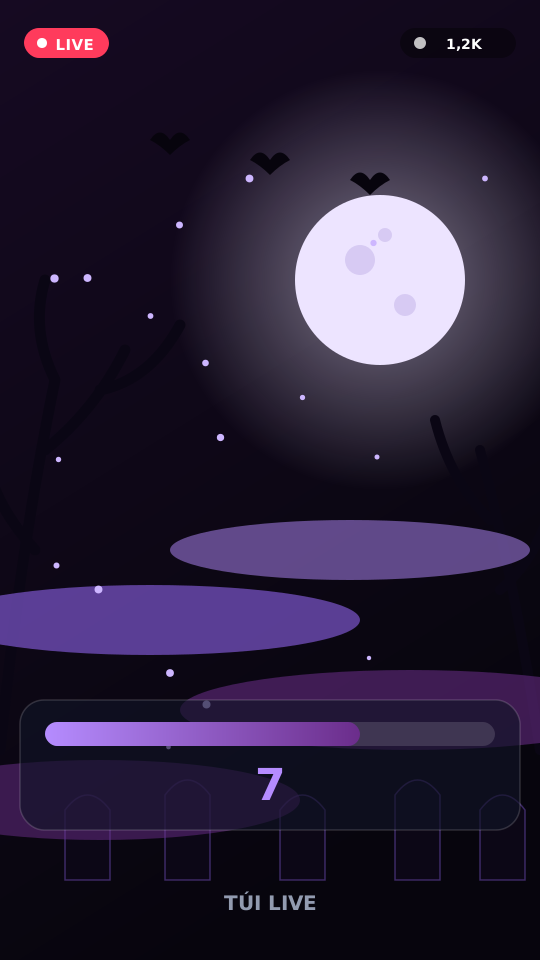
Fuse Countdown
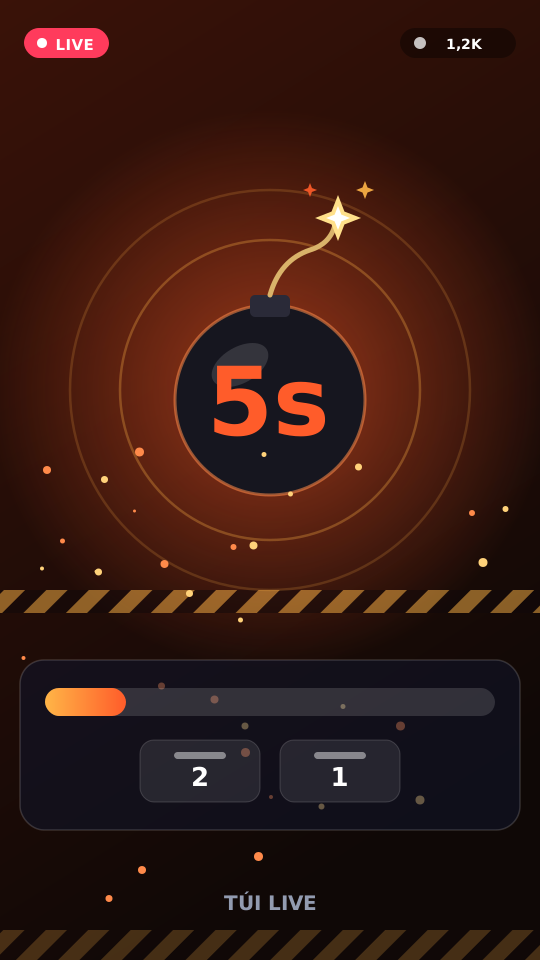
A burning fuse — likes burn seconds, gifts add time or clutch-rescue.
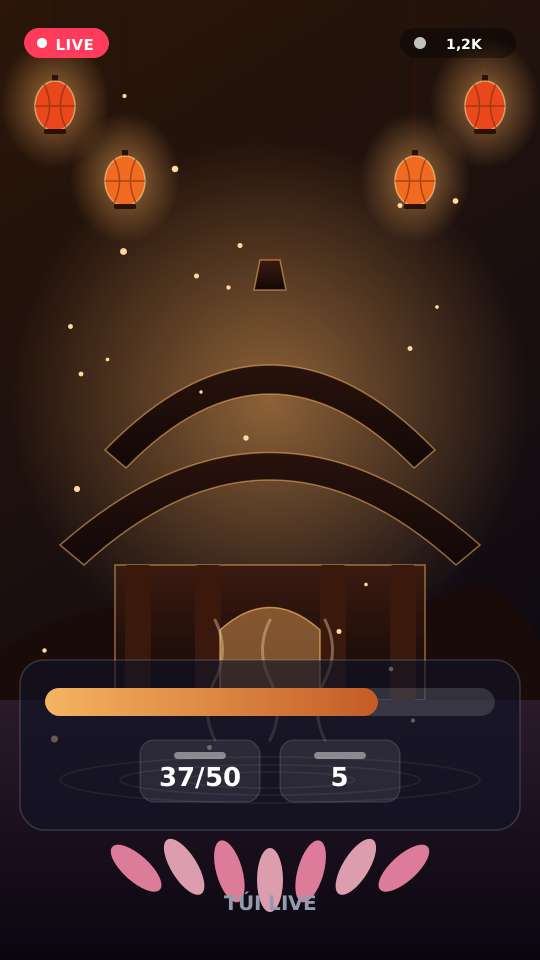
Temple Hall
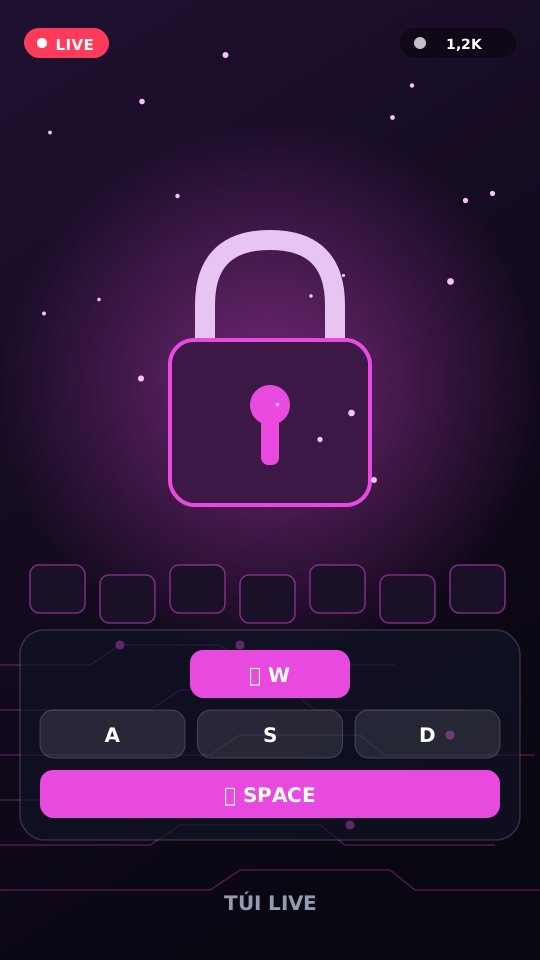
Light incense via comment keywords, lotus gifts — temple hall vibe on overlay.
Live in four steps
No plugins, no streaming-software changes. Paste one browser source and pick a game.
Create your account
Sign into the TUI LIVE dashboard, attach a license, and pick a game / theme.
Copy your overlay URL
One permanent link. Paste once as a Browser Source — no plugin.
Pick a game and go live
Connect LIVE in the dashboard, start a session, go live.
Viewers play in real time
They comment, like, follow and gift — the overlay reacts on screen instantly.
Everything in one dashboard
Launch a game, wire triggers, and tune mid-stream without leaving the dashboard.
Action triggers
Gifts, comments, likes, follows and shares each map to an in-game move.
On-screen play guide
Live icons show viewers what to send to join in. No pinned comments needed.
Switch games mid-LIVE
Jump from a quiz to a gift race mid-stream. Same overlay URL.
Tune live, no restart
Change settings mid-stream — the overlay updates instantly.
Frequently asked questions
Everything you need before you put an overlay on your LIVE.
What is TUI LIVE?
An overlay and interactive-game platform for livestreams. Viewers control games with comments, gifts, likes and follows — nothing to install.
How do viewers play?
They play from the LIVE itself: comments, gifts, likes or follows per game rules. No extra install.
How long does setup take?
A few minutes: create an account, copy the overlay URL, add a Browser Source, pick a game and go live.
Do you need my TikTok password?
No. TUI LIVE never asks for your password and never logs into your account. It only reads the public LIVE feed for the username you provide (when the connector is ready).
Can I switch games mid-stream?
Yes. Switch in the dashboard — same Browser Source, no OBS changes.
Are you affiliated with TikTok?
No. TUI LIVE is not a TikTok product and is not endorsed by TikTok.
Ready to make your stream worth watching?
Turn passive viewers into active players. One URL, your whole audience playing.
Open the dashboard