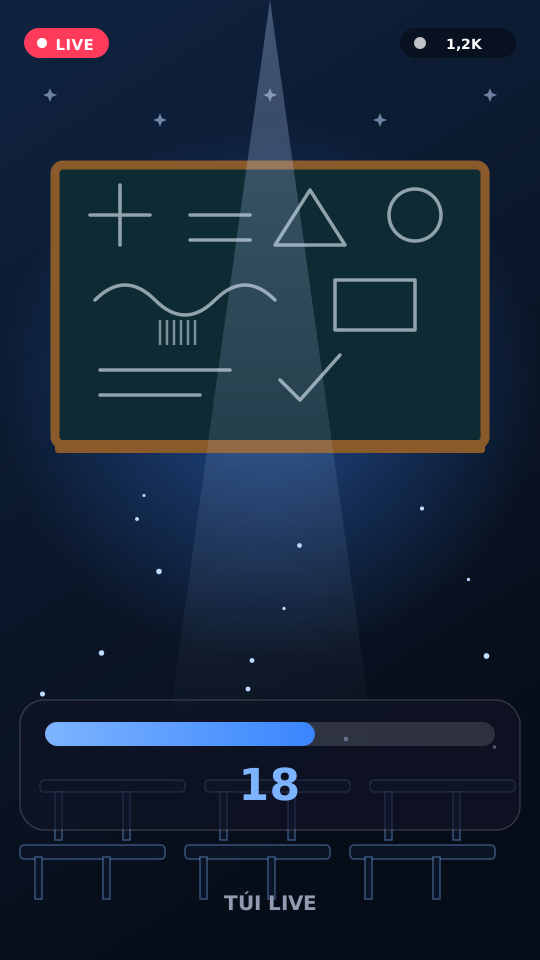
Overlay & Theme · Classroom
Classroom Live
Chat becomes a classroom on overlay.
Raise hands, take attendance, spotlight with gifts.
Reacts to
Included in: Vietnam Atmosphere Pack
Game details
Raise hands, take attendance, spotlight with gifts.
Features
- Hand count
- Attendance
- Gift spotlight
Your chat is the controller
Comment hand / present; gifts set nickname spotlight. Here is how a round plays out:
-
Class interaction
No long-term student list — session state only.
Every trigger is yours to rewire
Bind any action to a gift, comment, like or follow, and set a minimum gift amount. These are the actions Classroom Live exposes:
Raise hand
Keyword comment or like.
Spotlight
Gift pins a name on board.
Tune it to your stream
Classroom Live ships with settings you can change live — no restart.
Hand / present keywords
Customize class commands.
Common questions about Classroom Live
Do viewers need to install an app?
No. They play from TikTok LIVE using comments, likes, follows or gifts.
How do I add this to OBS / LIVE Studio?
Copy one overlay URL from the dashboard, add a Browser Source (1080×1920), then go live.
How to add Classroom Live to your LIVE
Set up once in your streaming software and go live. No plugin, no viewer install.
- Create your account. Sign into the TUI LIVE dashboard, attach a license, and pick a game / theme.
- Copy your overlay URL. One permanent link. Paste once as a Browser Source — no plugin.
- Pick a game and go live. Connect LIVE in the dashboard, start a session, go live.