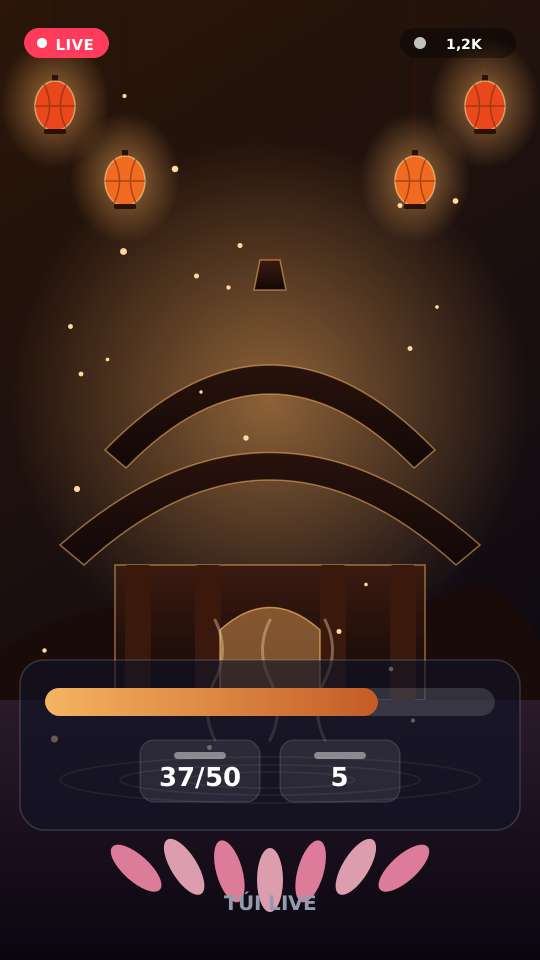
Overlay & Theme · VN atmosphere
Temple Hall
Chat lights incense and offers lotus on your LIVE screen.
Light incense via comment keywords, lotus gifts — temple hall vibe on overlay.
Reacts to
Included in: Vietnam Atmosphere Pack
Game details
Light incense via comment keywords, lotus gifts — temple hall vibe on overlay.
Features
- Incense keyword
- Lotus counter
- Temple backdrop
Your chat is the controller
Comment with “huong” / 🙏 for incense. Gifts above threshold add lotus. Here is how a round plays out:
-
Temple atmosphere
Overlay reacts live — no third-party copyrighted temple streams.
Every trigger is yours to rewire
Bind any action to a gift, comment, like or follow, and set a minimum gift amount. These are the actions Temple Hall exposes:
Light incense
Keyword comments or likes add incense.
Offer lotus
Gifts meeting diamond threshold add lotus.
Tune it to your stream
Temple Hall ships with settings you can change live — no restart.
Incense keyword
Comment substring that lights incense.
Common questions about Temple Hall
Do viewers need to install an app?
No. They play from TikTok LIVE using comments, likes, follows or gifts.
How do I add this to OBS / LIVE Studio?
Copy one overlay URL from the dashboard, add a Browser Source (1080×1920), then go live.
How to add Temple Hall to your LIVE
Set up once in your streaming software and go live. No plugin, no viewer install.
- Create your account. Sign into the TUI LIVE dashboard, attach a license, and pick a game / theme.
- Copy your overlay URL. One permanent link. Paste once as a Browser Source — no plugin.
- Pick a game and go live. Connect LIVE in the dashboard, start a session, go live.